App Installation
Overview
Exit Unit is distributed to retail store devices via MDM (Mobile Device Management). The app requires Android 7.0 or later.
How It Works
- Your MDM administrator deploys the Exit Unit app to designated store devices
- MDM pushes the required configuration (store ID, credentials)
- The app registers with the service on first launch
Requirements
- Android 7.0 or later
- Device enrolled in your MDM solution
- Network connectivity (recommended to be always available)
Download
You can download the Exit Unit app from the following sources:
-
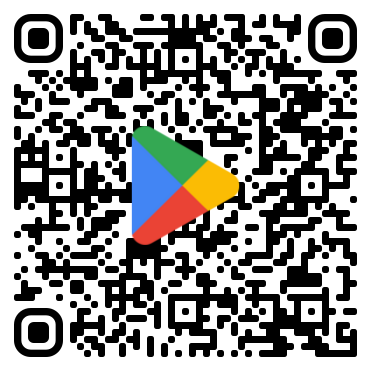
Google Play (Android) Exit Unit on Google Play
-
Google Cloud Artifact Registry (GAR)
- Download the latest Exit Unit version from GAR using the CLI tool
- Run
./gar-get-cli.ps1 -repository raw-releases - Select
exit-unit - Select the desired version
- Optionally, enter a destination path
Note: Downloading from GAR requires Google Cloud access and permissions.