Staff User Authentication for the Entrance Unit App
Staff user authentication for the Entrance Unit app uses a two-factor process. Before proceeding, ensure you have completed the Setup Entrance Unit Application and created the EU.
Access Login
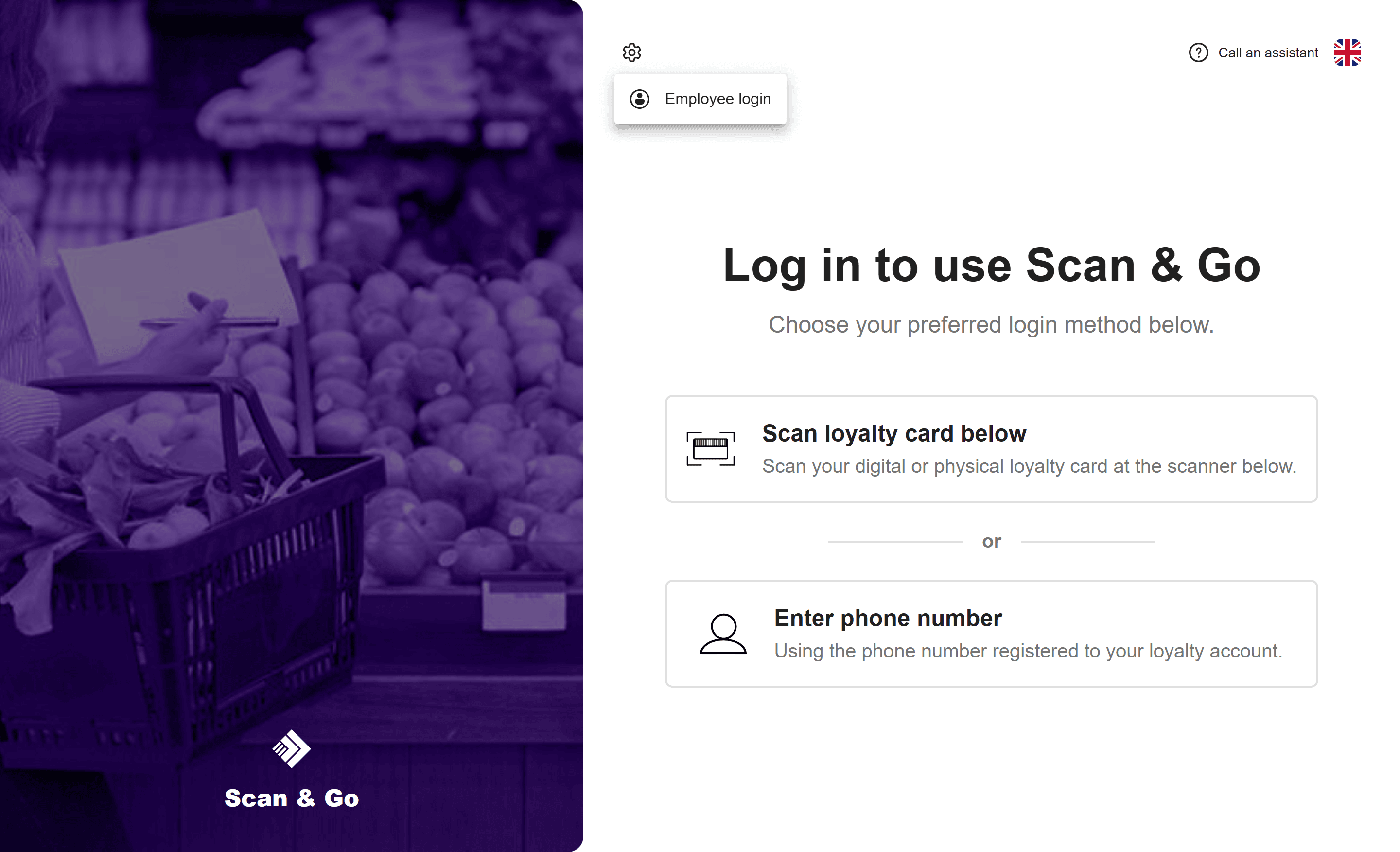
From the application's home page, navigate to the Settings menu and select "Employee login".
Factor 1: Card Scan
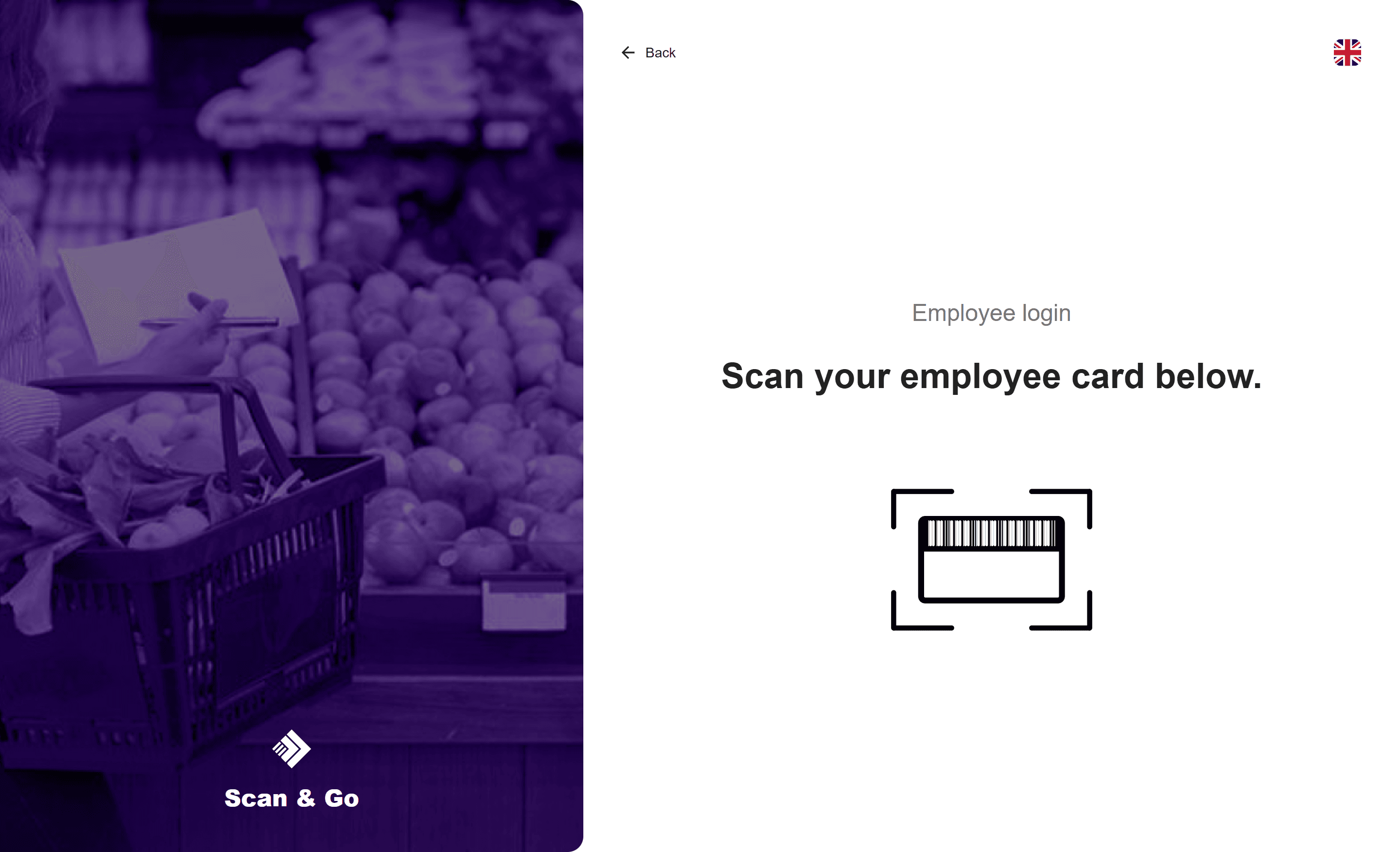
The user is redirected to the card scanning page.
The scanned barcode is validated against the regular expression defined in the app-config.json file, specified by the employeeCardRegex property.
- If invalid: The user is redirected back to the home page.
- If valid: The user proceeds to the PIN entry page.
Factor 2: PIN Entry (Optional)
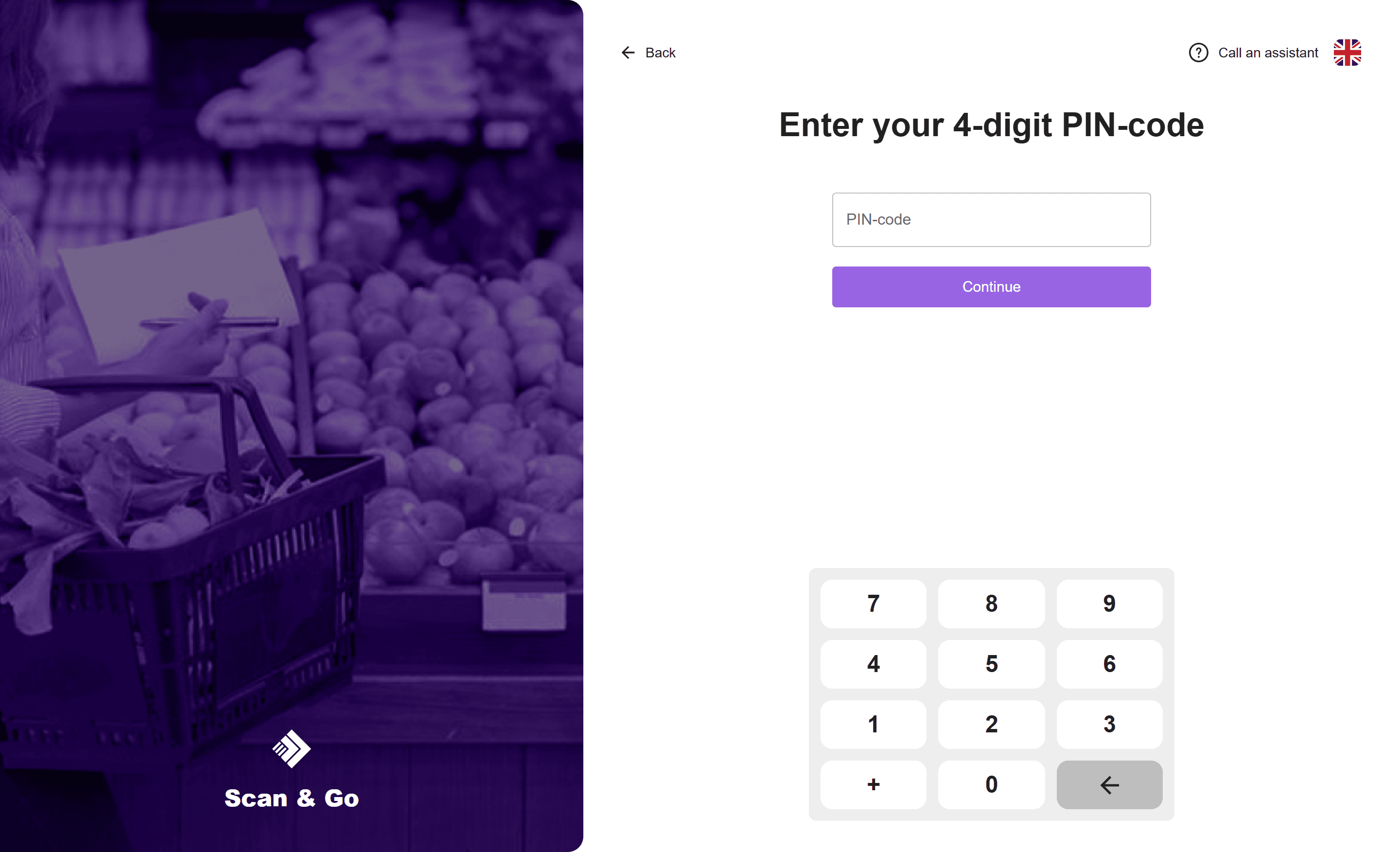
If the employeePinHashed property is configured in the app-config.json file, the user is prompted to enter a PIN code.
(Note: If employeePinHashed is set to null or omitted, this step is skipped, and the user is granted access immediately following a valid card scan.)
The entered PIN is validated against the stored MD5 hash.
- If invalid: An error message is displayed.
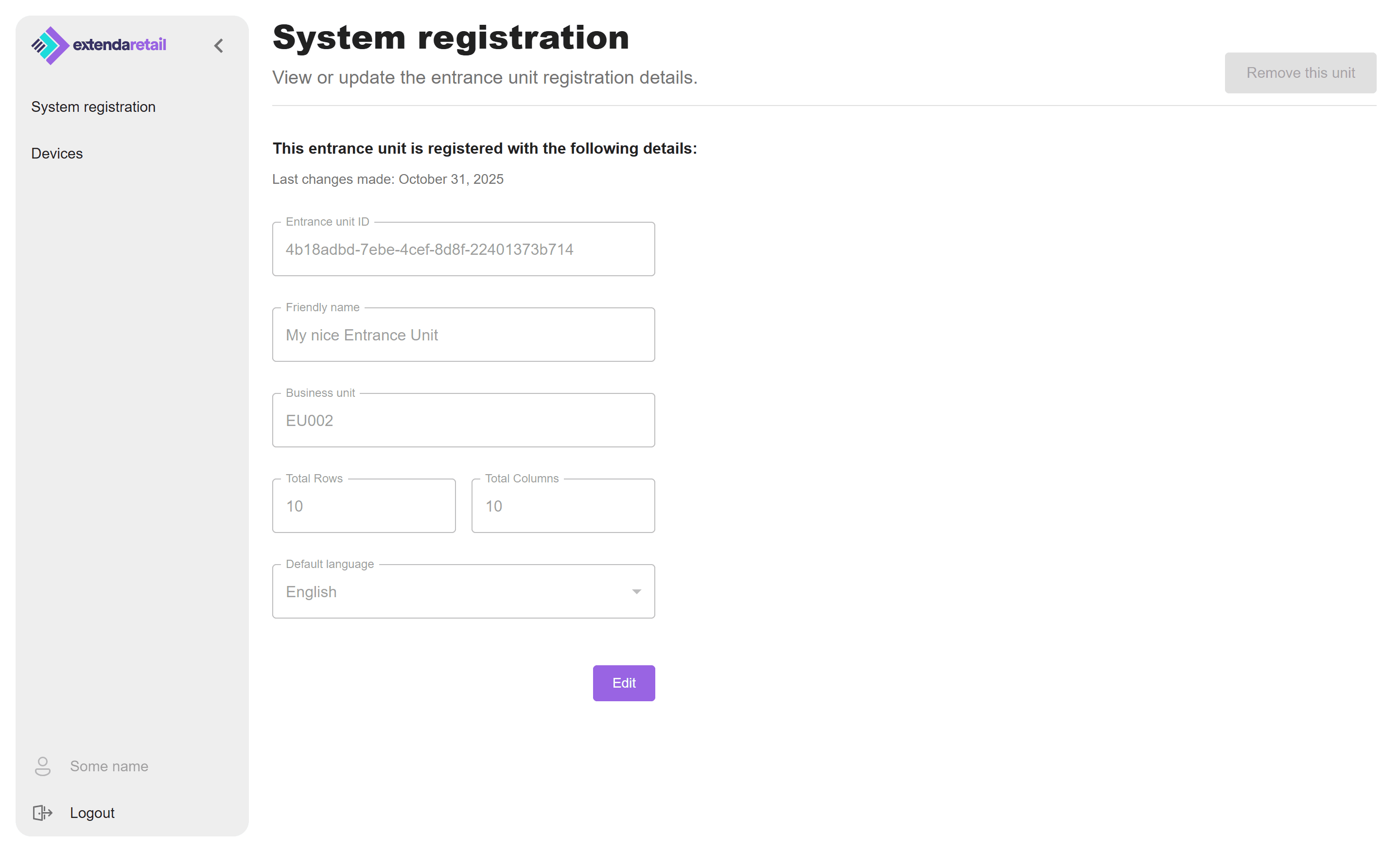
- If valid: The user is successfully authenticated and granted access to the admin area.
Admin Area
Once authenticated, the user has access to the Admin area.