Receipt
This document describes how to configure the Receipt module in the Checkout App across different platforms.
Platforms
POS
Supported Features
- Fashion attributes labels configuration
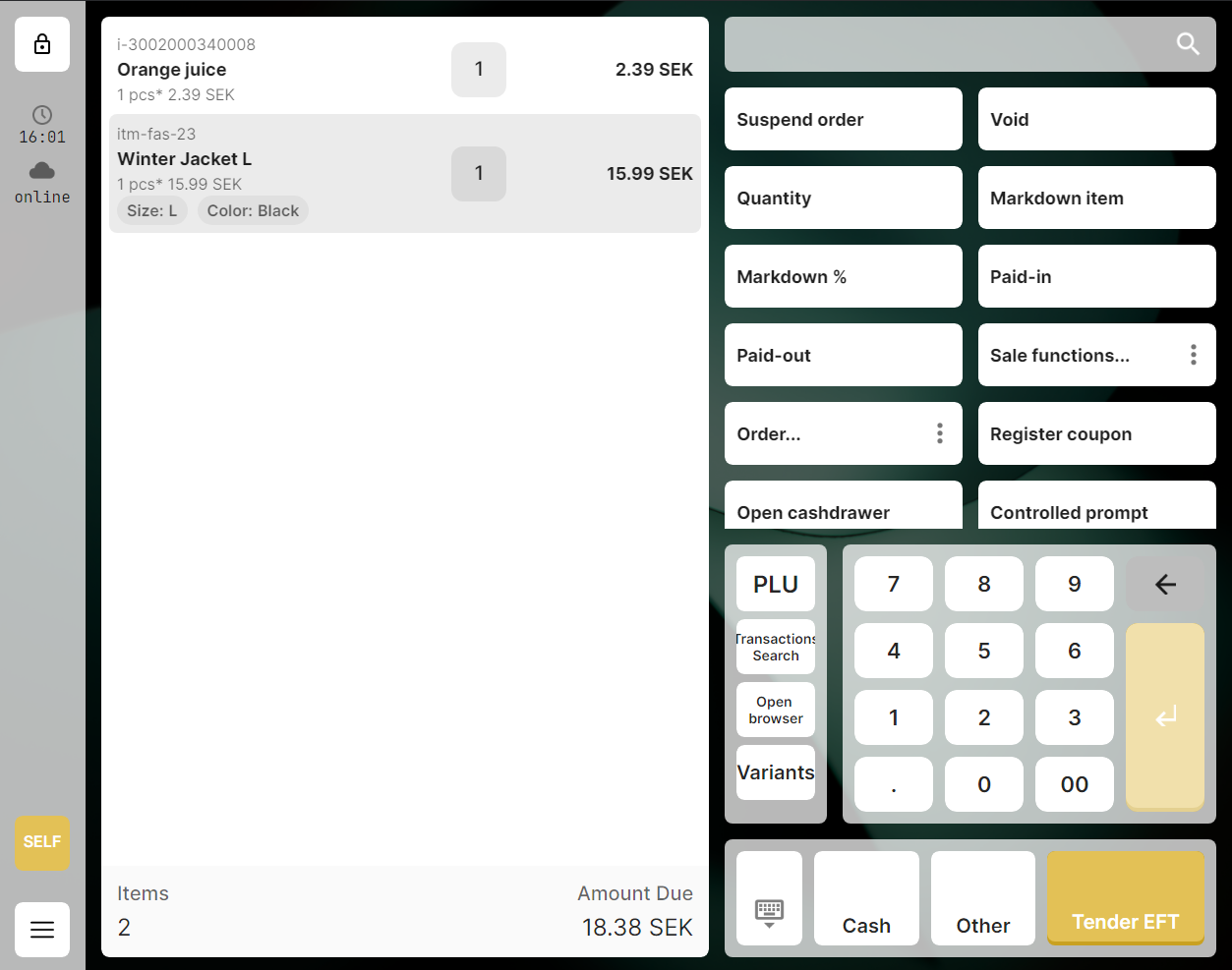
- Item identifier type configuration
- Clear timeout configuration
Configuration
- To enable rendering of fashion labels, choose values to show using
visibleAttributesproperty in the cha.settings.v1 configuration. - To change item identifier type, choose one of avaliable values using
identifierTypeproperty in the cha.settings.v1 configuration. If the value is not set, items will be rendered with item Id as identifier. - To change clear timeout, set the value in milliseconds using
clearTimeoutproperty in the cha.settings.v1 configuration.
example:
{
    "value": {
        "pos": {
            "receipt": {
                "clearTimeout": 5,
                "layout": {
                    "visibleAttributes": [
                        "color",
                        "size"
                    ],
                    "identifierType": "id"
                }
            }
        }
    }
}
Self-Checkout (SCO)
Supported Features
- Fashion attributes labels configuration
Configuration
- To enable rendering of fashion labels, choose values to show using
visibleAttributesproperty in the cha.settings.v1 configuration.
example:
{
    "value": {
        "sco": {
            "receipt": {
                "layout": {
                    "visibleAttributes": [
                        "color",
                        "size"
                    ]
                }
            }
        }
    }
}
Mobile
Supported Features
- Fashion attributes labels configuration
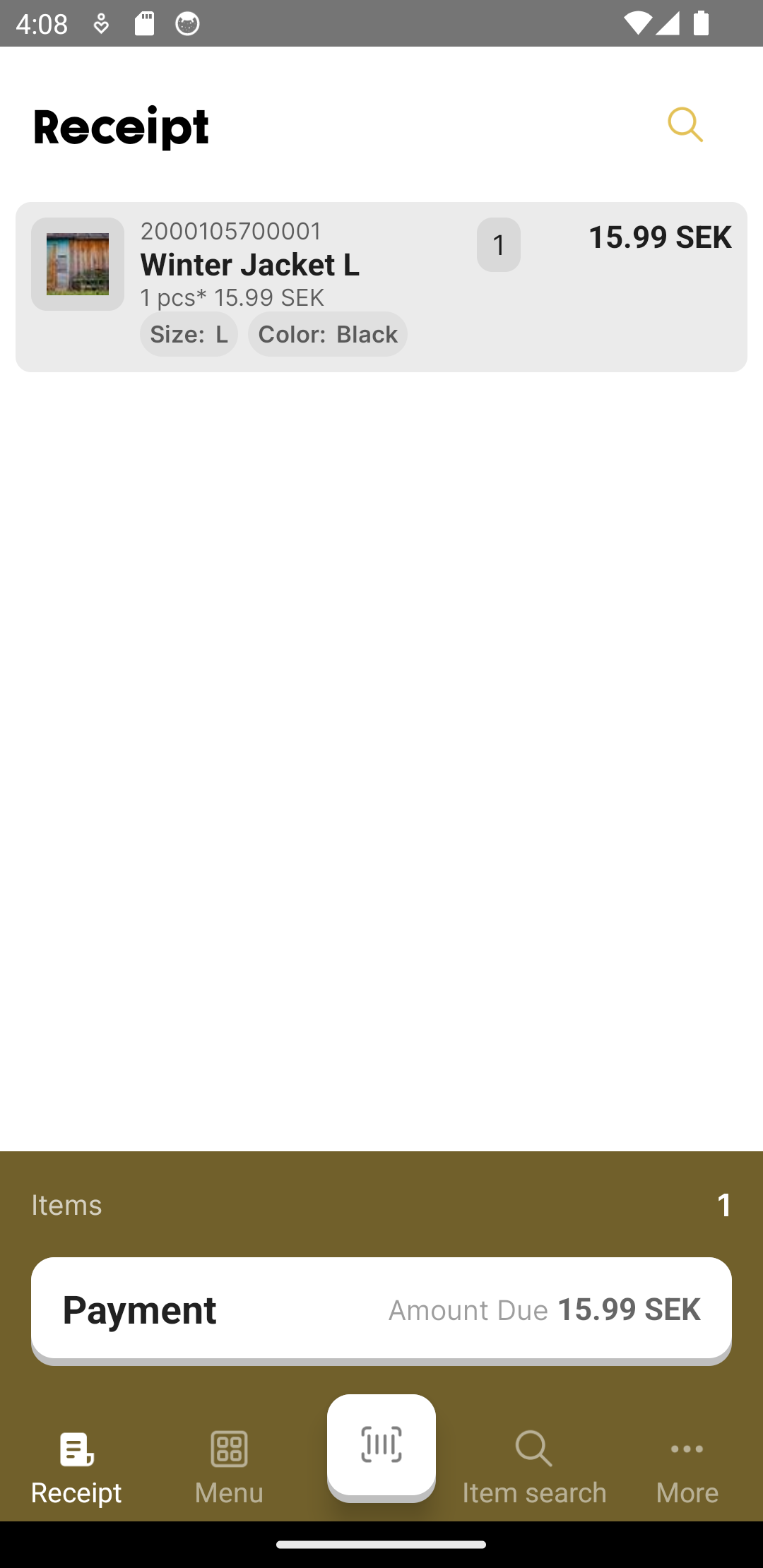
- Item identifier type configuration
- Clear timeout configuration
Configuration
- To enable rendering of fashion labels, choose values to show using
visibleAttributesproperty in the cha.settings.v1 configuration. - To change item identifier type, choose one of avaliable values using
identifierTypeproperty in the cha.settings.v1 configuration. If the value is not set, items will be rendered with item Id as identifier. - To change clear timeout, set the value in milliseconds using
clearTimeoutproperty in the cha.settings.v1 configuration.
example:
{
    "value": {
        "mpos": {
            "receipt": {
                "clearTimeout": 5,
                "layout": {
                    "visibleAttributes": [
                        "color",
                        "size"
                    ],
                    "identifierType": "id"
                }
            }
        }
    }
}